How to digitise paper notebooks and old journals
· 6 min
A shelf of filled notebooks is years of thinking that nobody, including you, will ever read again unless it becomes easy. Digitising it is a weekend job if you set it up properly. This is the method.
1. Decide what you are keeping
You want two things per page: a picture, because handwriting carries things text doesn’t, and text, because text can be searched. A folder of photos with no text is a backup, not an archive. Plan for both from the start.
2. Capture the pages
With a phone
- Daylight from a window, to the side. Avoid your own shadow and the ceiling light’s glare.
- Hold the phone parallel to the page. Flatten the notebook; a bulldog clip on the far side helps.
- One page per photo. Fill the frame, leave a small margin.
- A scanning app (Notes on iPhone, Google Drive on Android, Microsoft Lens) will square the page and save a whole notebook as one PDF.
With a scanner
- 300 dpi, greyscale or colour. Black-and-white mode destroys pencil and faint ink.
- A flatbed is slow but safe for bound notebooks. Don’t cut the spine of anything you care about to use a sheet feeder.
- Save one PDF per notebook.
With a phone you get through a few pages a minute once you have a rhythm, so a 200-page journal is about an hour.
3. Name things before you forget
Name each PDF with what it is and when: Journal 2019-03 to 2019-11.pdf. If pages aren’t dated, the notebook’s date range is the only clue you will have later.
4. Get the handwriting read
Ordinary OCR, the kind built into scanners and PDF programs, was made for print and returns nonsense for most handwriting. Phone features like Live Text do better on tidy writing (see the iPhone and Android guides) but work a page at a time. For a shelf you want something that takes a whole PDF.
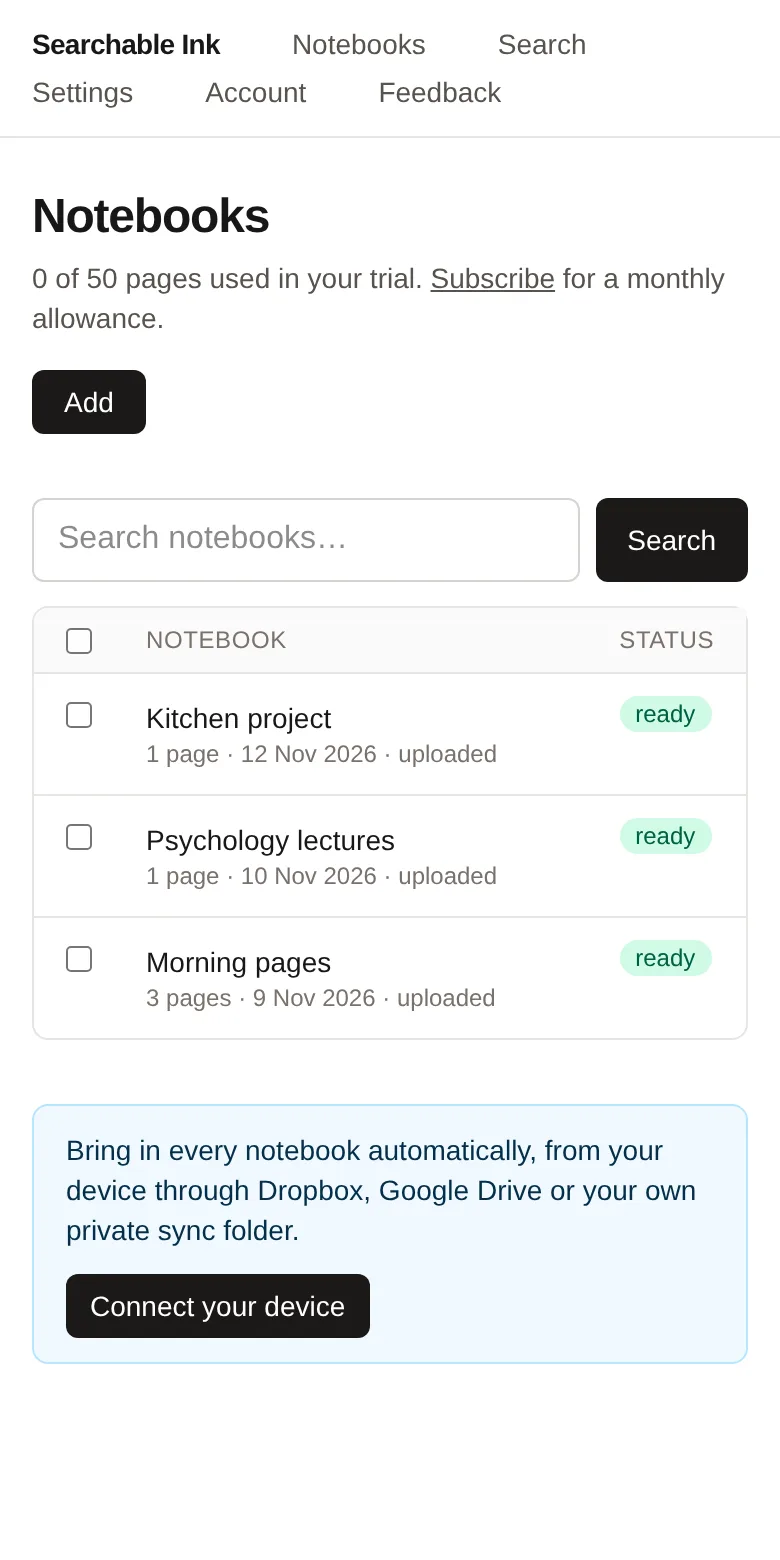
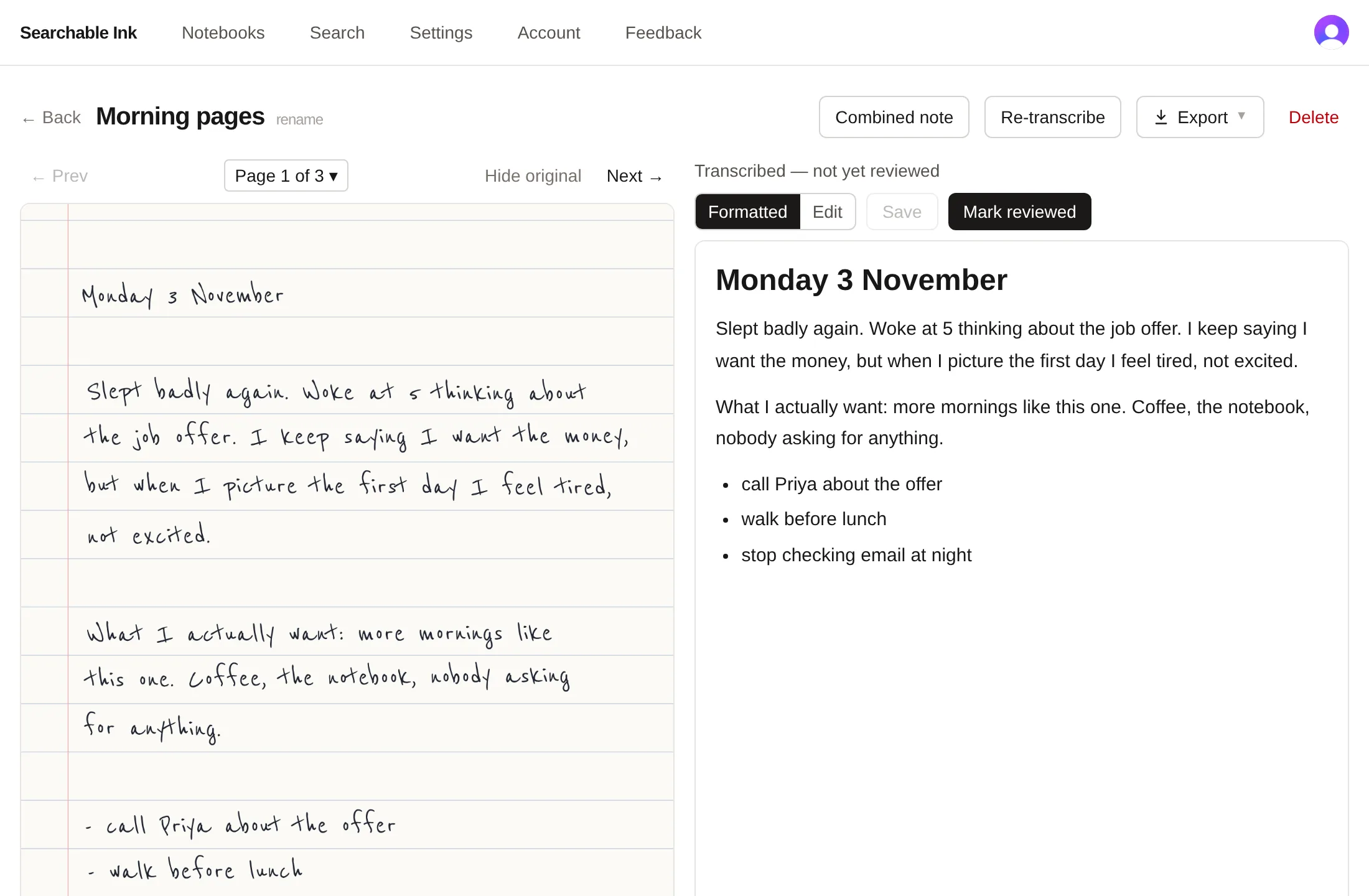
In Searchable Ink, choose Add, pick the PDFs or photos, and leave it. Each page is read and placed beside its picture.
5. Check a sample, not everything
Don’t proofread 2,000 pages. Read ten, spread across notebooks. If names or your own abbreviations are misread, fix them where you see them; with the handwriting next to the text it takes seconds. Leave the rest until a search sends you there.
6. Keep a copy that is yours
- Keep the original PDFs somewhere backed up.
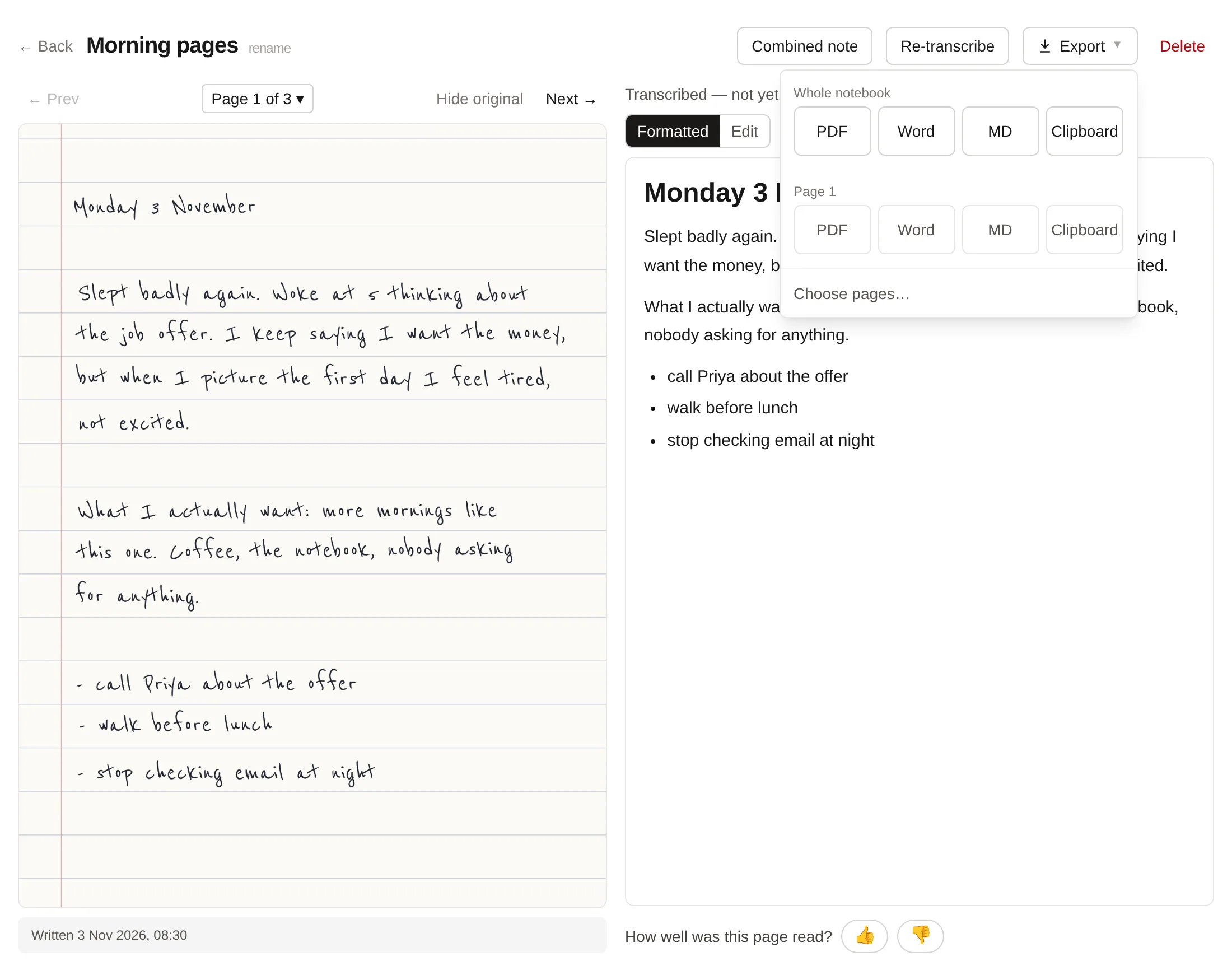
- Export the text as Markdown or Word so it doesn’t depend on any one service, ours included.
- Keep the paper if you have room. If you don’t, you now have a reason not to feel bad about it.
What about private journals?
Fair question for anything this personal. In our case: pages are read by Google’s Gemini API on the paid tier, which doesn’t train on your data, and stored encrypted; only you can see them, and you can delete everything in one click. Whatever service you use, look for those same answers before uploading a diary.