How to turn handwriting into text on Android
· 4 min
Android has three free ways to get text out of a photo of a handwritten page, all from Google. None was made for handwriting in particular, but each is worth a try before anything else.
Google Lens: copy from the camera
- Open Lens from the Google app, the camera, or a photo in Google Photos.
- Point it at the page and choose Text.
- Tap Select all, or drag across the lines you want.
- Tap Copy text. To paste on a laptop, choose Copy to computer and pick a computer where Chrome is signed in to the same Google account.
Lens is usually the strongest of the three on handwriting, and Google has said since 2020 that it copies handwritten notes. It prefers tidy writing, and joined-up script often comes out scrambled. Google’s Lens help covers the basics.
Google Keep: text under the picture
- In Keep, make a note and add a photo of the page.
- Open the image, tap the three dots, and choose Grab image text.
- The text is added to the note under the picture.
This keeps the photo and the text together in one note, which makes Keep’s own search useful for short pages.
Google Drive: a page into a document
- Upload the photo or PDF to Google Drive.
- On a computer, right-click the file and choose Open with → Google Docs.
- A new document opens with the picture at the top and the recognised text below.
Google’s requirements are a file under 2 MB, the right way up, with text at least 10 pixels high. The page recommends common typefaces and doesn’t mention handwriting, and results on handwriting are the weakest of the three.
What all three share
- One page at a time, by hand.
- Lists, checkboxes and layout are mostly lost.
- No way to correct the text beside the page, so mistakes stay hidden until a search fails.
For a notebook you want to keep
Searchable Ink reads handwriting with a large AI model and keeps the text beside each page. Open it in Chrome on your phone, take the photo, and the page is in your notebooks.
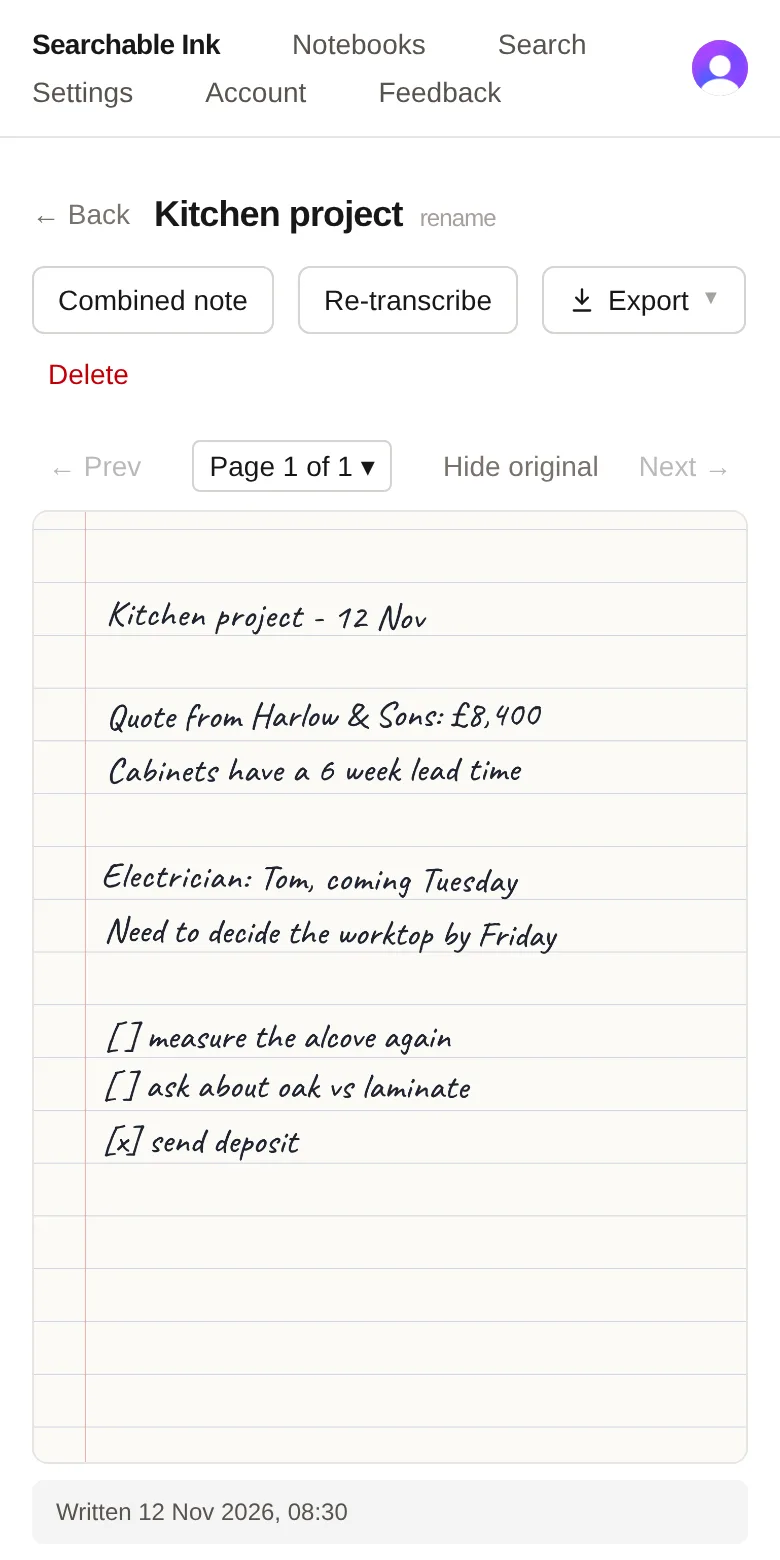
See also how to make handwritten notes searchable for how the options compare.