How to ask Claude or ChatGPT about your handwritten notes
· 5 min
AI assistants are good at exactly the things a pile of notebooks is bad at: finding, summarising, pulling every to-do out of a month of pages. The problem is getting handwriting in front of them. There are two ways.
The quick way: upload a photo
Claude and ChatGPT both read images. Photograph a page, attach it, and ask “transcribe this” or “what are the action points here?” For a single page this works well.
It stops working when you have more than a few pages:
- Each conversation starts from nothing. Yesterday’s upload is not in today’s chat.
- There are limits on how many images fit in one message.
- The assistant can only answer from pages you thought to attach, which means you have to find them first.
The lasting way: connect your notebooks
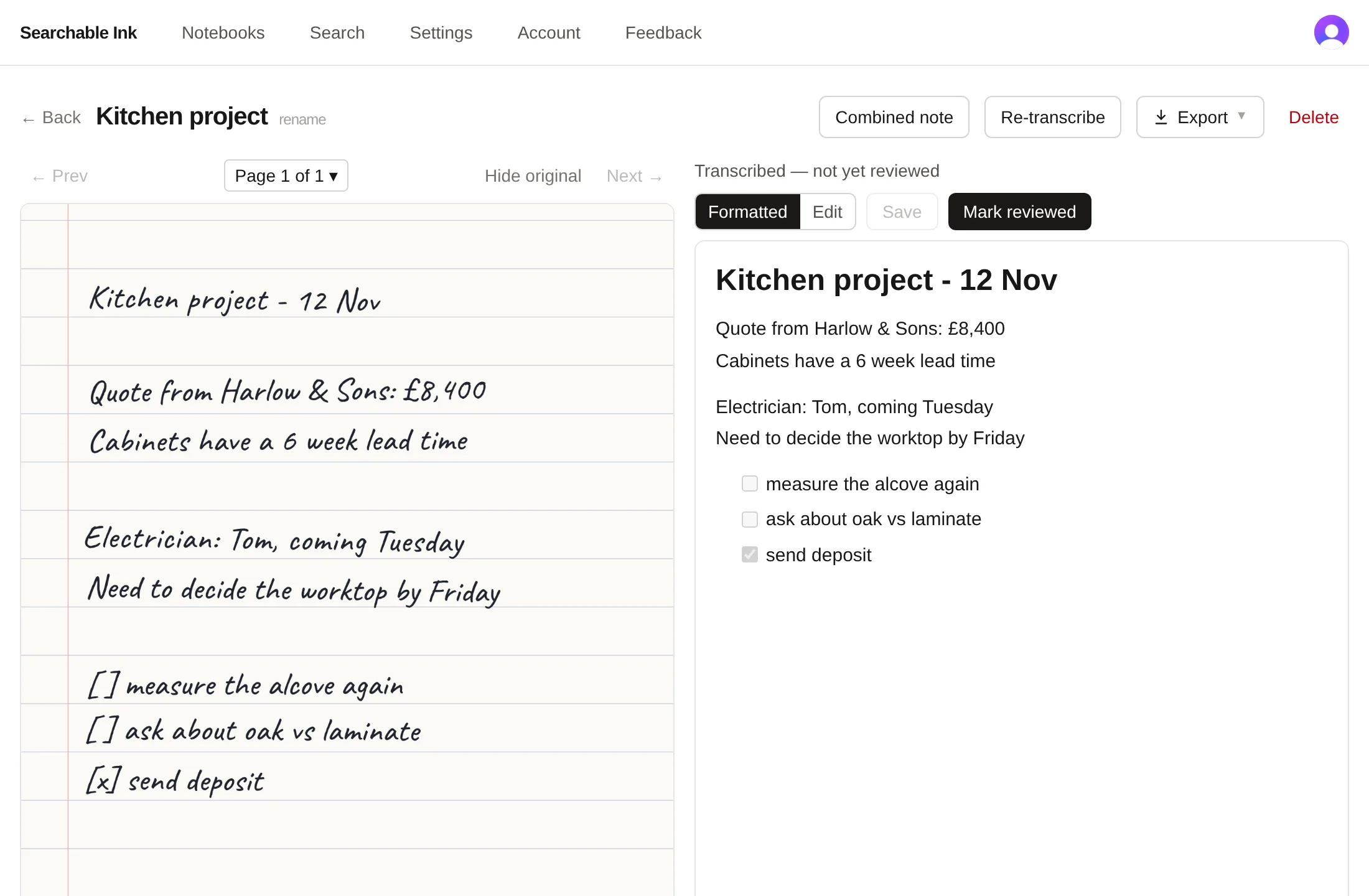
Both assistants support connectors: a standard way (called MCP) for the assistant to look things up in another service while it answers. Searchable Ink is one. Your handwriting is transcribed once, and the assistant searches and reads it when a question needs it.
Set it up
- Get some notebooks into Searchable Ink: photos, PDFs, or automatic sync from a tablet.
- In Claude, open Settings → Connectors → Add custom connector and paste
https://searchable.ink/mcp. - Choose Connect, sign in, and allow access.
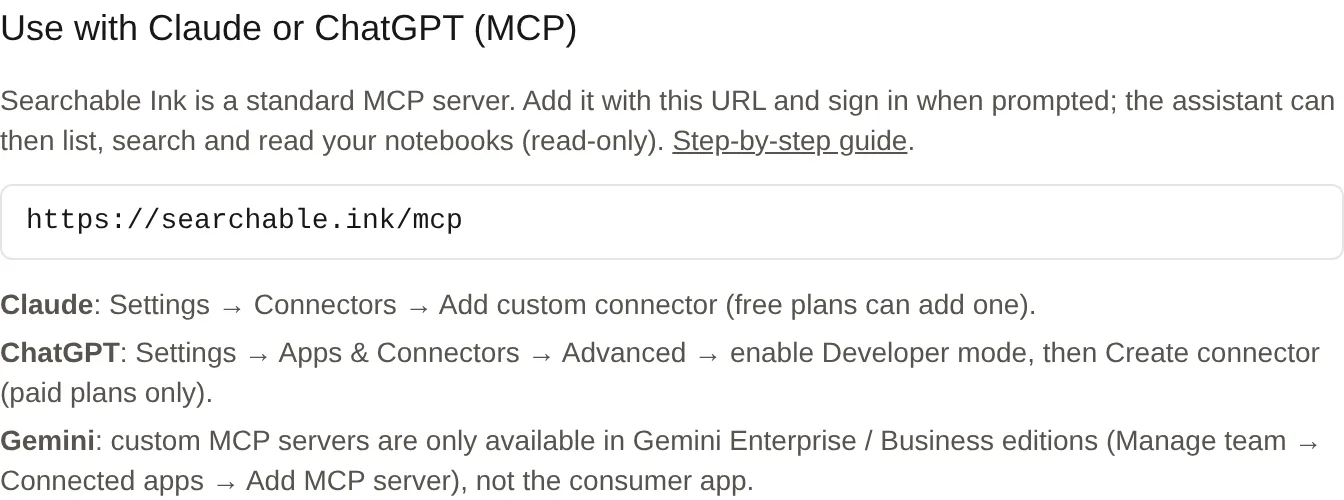
Claude allows a custom connector on every plan, including free. ChatGPT needs a paid plan and Developer mode (Settings → Apps & Connectors → Advanced). The full guide has each step.
Things to ask
- “What did I write about the kitchen quote last month?”
- “Pull every unticked to-do out of this week’s pages.”
- “Summarise my journal for October in five bullets.”
- “What have I said about sleep since the summer? Quote the pages.”
- “I have a review with my manager on Friday. What did I note after the last one?”
The assistant answers from your pages and links back to each one, so you can read the original.
What the assistant can and can’t do
- Read-only. It can search and read. It can’t change or delete anything.
- Only your notebooks, and only after you sign in and allow it.
- Your chat stays with the assistant. Searchable Ink sees which tool was used, not the conversation.
Getting good answers
- Name the time: “in September”, “since May”. Dates narrow the search.
- Ask for quotes and page links when it matters, then check them.
- Date your pages as you write. An undated page can be found but not placed.